

You get a message at 9 PM on a Saturday. A client is furious because the match just started and their stream is freezing every thirty seconds. They want a refund. They want answers. And if you cannot give them both quickly, they are gone by Monday morning. Buffering complaints are the single biggest churn driver in the IPTV reseller business, and the frustrating part is that most of them are fixable, often in under ten minutes, if you know where to look.
This guide is written for resellers who are already running a client base and need a structured approach to diagnosing buffering issues, communicating with clients under pressure, and building a support workflow that stops problems before they become cancellations. We are not covering the basics of what IPTV is. We are covering what actually breaks it, why, and how to fix it fast.
Understanding Why IPTV Buffering Happens in the First Place
Before you can fix anything, you need to understand the full chain of delivery. An IPTV stream travels from a server, through a content delivery network, across your client’s ISP, through their router, and finally onto their device. Every single link in that chain can introduce buffering. Blaming the server by default is the most common mistake resellers make, and it costs them credibility with clients who eventually figure out the real cause was their own Wi-Fi.
Server-Side vs. Client-Side Issues
Server-side problems are real but less common than most clients assume. They typically show up as widespread buffering affecting multiple subscribers at the same time, often during peak hours or live events with massive concurrent viewership. If ten clients are complaining simultaneously about the same channel, that is a signal worth escalating to your provider.
Client-side issues are far more frequent. A device running an outdated media player, a router sitting in a cupboard with poor ventilation, a 50 Mbps broadband connection being shared across eight devices during a family movie night, a VPN adding 80ms of latency to every packet: these are the real culprits behind the majority of buffering complaints. As a reseller, your job is to triage accurately so you spend your energy in the right place.
The Role of Internet Speed and Network Quality
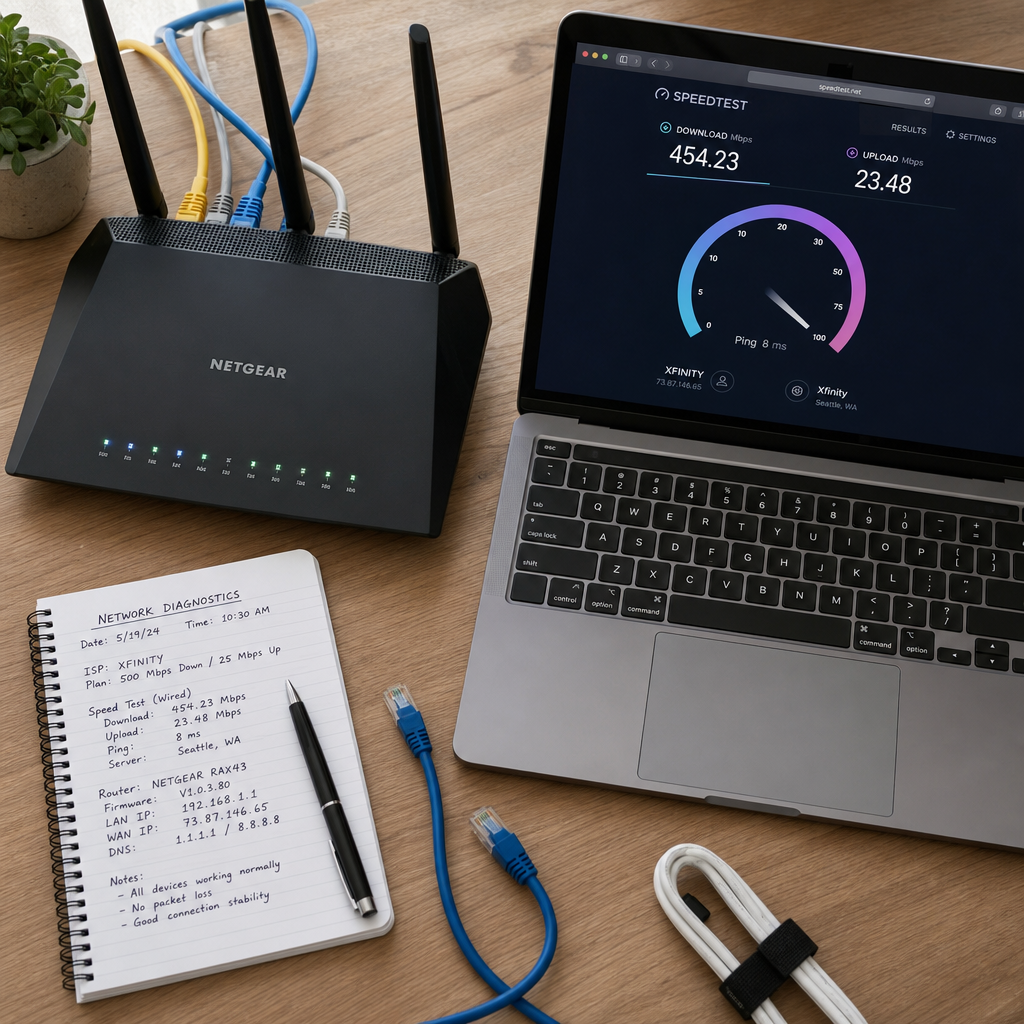
Raw download speed is only part of the picture. A client can have a 200 Mbps connection and still buffer constantly if their packet loss is above 1% or their jitter is inconsistent. IPTV streams are sensitive to network stability in a way that general web browsing is not. A web page loads in chunks and the browser reassembles it. A live stream has to arrive in sequence, in real time, with minimal interruption. Even a brief spike in latency can cause a buffer event that takes several seconds to recover from.
When diagnosing a client complaint, always ask them to run a speed test at fast.com or speedtest.net while the buffering is happening, not before or after. The results during the problem window are what matter. You also want to ask whether other devices in the house are affected and whether the issue happens on both Wi-Fi and a wired connection. Those two questions alone will eliminate most of the guesswork.
A Practical Diagnostic Framework for Resellers
When a buffering complaint lands in your inbox or WhatsApp, resist the urge to immediately apologize and offer a credit. That might feel like good customer service, but it trains clients to complain first and troubleshoot never. Instead, build a response workflow that is fast, systematic, and positions you as competent rather than reactive.
Step One: Gather the Right Information Immediately
The first message you send back to a complaining client should collect data, not make promises. Ask them the following in a single message so you are not playing a back-and-forth game for twenty minutes:
- What device are they using and what app or player?
- Are they on Wi-Fi or a wired connection?
- Is it affecting all channels or specific ones?
- When did it start? Was it working earlier today?
- What does their current internet speed test show?
- Are other devices in the house experiencing slow internet?
This intake process does two things. It gives you the data you need to actually diagnose the problem, and it shifts the client from emotional complaint mode into active problem-solving mode. Most clients calm down significantly once they feel like someone is taking a structured approach to their issue.
Step Two: Isolate the Layer
Once you have the intake data, you can usually identify which layer of the delivery chain is responsible. Use this mental model:
- All channels buffering, all devices: ISP or router issue. Start here before anything else.
- All channels buffering, one device: Device or app issue. Check player settings, clear cache, try a different app.
- Specific channels buffering, all devices: Possible server or CDN issue on those channels. Check if other clients report the same.
- Buffering only during peak hours: ISP congestion or shared bandwidth issue. Wired connection test will confirm.
- Buffering only on live events: High concurrent load on the stream. Check with your provider about capacity.
Step Three: Apply the Fix at the Right Level
Once you know the layer, the fix becomes obvious. Router reboots, DNS changes, wired connection switches, player buffer size adjustments, and app reinstalls are all client-side fixes you can walk someone through in five minutes. If the issue is server-side or provider-side, that is when you contact your upstream supplier with specific details: which channels, what time, how many clients, and what the stream URL is returning.
Working with a provider like Lukkystreams means you have a direct line to technical support when you need to escalate. Having that escalation path clearly defined in your own workflow means you never leave a client waiting while you figure out who to call.
The Most Common Fixes for IPTV Freezing in 2026
Fixing IPTV buffering for clients in 2026 requires understanding that the device landscape has shifted. More clients are now streaming on smart TVs with outdated firmware, Android boxes running three-year-old software, or phones using default media players that are not optimized for M3U streams. The fix list has evolved accordingly.
Player Configuration and Buffer Settings
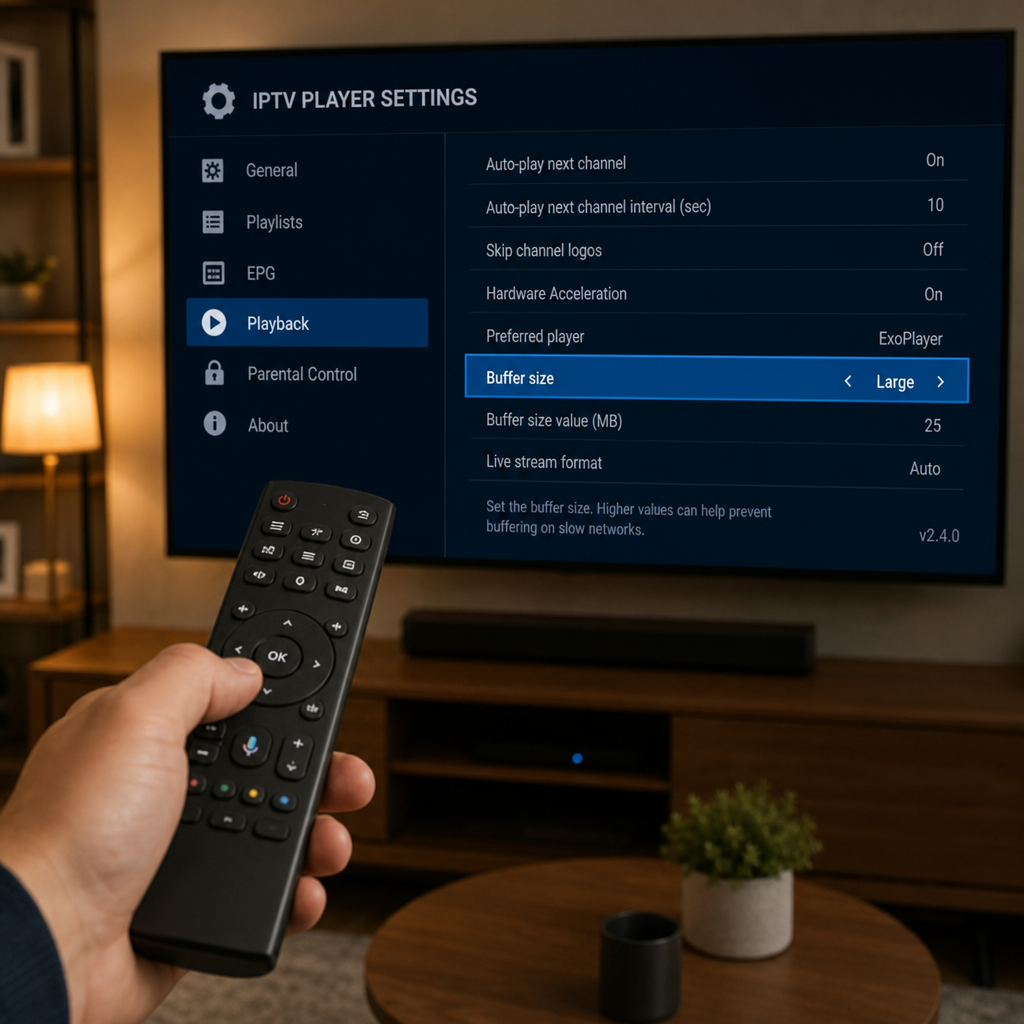
The single most impactful client-side fix is often the media player itself. TiviMate, IPTV Smarters, and VLC all handle buffering differently. In TiviMate, increasing the buffer size from the default to 5 or 10 seconds in the player settings can eliminate most minor buffering caused by small network fluctuations. In VLC, adjusting the network caching value under advanced preferences achieves the same result.
For clients using older or generic IPTV apps, switching to a better-maintained player is often the fastest fix available. Recommend TiviMate for Android TV devices and IPTV Smarters Pro for mobile users. Both handle M3U playlists cleanly and give users more control over playback settings than most default apps.
Router and Network Optimizations
A router reboot fixes more IPTV buffering complaints than any other single action. This sounds too simple, but consumer routers accumulate connection state tables over time and their performance degrades. A reboot clears that state. Recommend that clients reboot their router once a week as a maintenance habit, not just when problems occur.
For clients who are serious about streaming quality, a few additional steps make a real difference:
- Use a wired Ethernet connection instead of Wi-Fi whenever possible. A direct cable connection eliminates interference, channel congestion, and distance-related signal loss entirely.
- Change DNS servers to Google (8.8.8.8) or Cloudflare (1.1.1.1). Some ISP-provided DNS servers are slow to resolve streaming domains, which adds latency at the start of each stream and during channel switches.
- Enable QoS (Quality of Service) on the router if available. This lets you prioritize streaming traffic over other household activity like downloads or gaming updates.
- Check for interference on the 2.4 GHz Wi-Fi band. Switch clients to the 5 GHz band for shorter range but much faster and more stable connections.
Device-Level Fixes
On Android boxes and smart TVs, clearing the cache of the IPTV app and the system cache regularly prevents performance degradation. Many clients never do this and wonder why their streaming gets worse over months of use. A factory reset of the streaming device, while a last resort, solves a surprising number of persistent buffering complaints that nothing else touches.
Also check device storage. An Android box with less than 500 MB of free storage will struggle to buffer stream data efficiently. Clearing unused apps and cached data frees up the working space the player needs to preload stream segments.
How to Communicate With Clients During Buffering Issues
Technical competence alone does not retain clients. The way you communicate during a problem is often what determines whether someone stays or leaves, regardless of whether you actually fix the issue. Resellers who handle complaints with speed, clarity, and confidence retain clients even when the fix takes time. Resellers who go quiet, over-apologize without acting, or blame the provider without explanation lose clients even when the stream comes back perfectly.
The First Response Window
Your first response to a buffering complaint should arrive within fifteen minutes during business hours and within thirty minutes in the evening. Speed of acknowledgment matters more than speed of resolution. A client who hears back from you in ten minutes with a structured intake message feels heard. A client who waits two hours for a generic apology feels abandoned.
Keep your first message short, action-oriented, and confidence-projecting. Something like: “Got your message. Let me help you get this sorted. Can you tell me which device you are on, whether you are using Wi-Fi or a cable, and what your speed test is showing right now?” That message communicates competence without making any promises you cannot keep.
Setting Expectations Honestly
If the issue is on the provider side and you are waiting for a fix, tell the client that clearly. Do not say “we are working on it” without any timeline. Say something like: “This appears to be affecting a specific set of channels and I have already raised it with our upstream team. Based on similar issues in the past, these typically resolve within one to three hours. I will update you as soon as I have confirmation.” That is honest, specific, and shows you are actively managing the situation.
Clients who receive honest, specific updates during an outage are significantly more likely to stay than clients who are told nothing until the service comes back. The silence during an outage is what kills trust, not the outage itself.
Building a Proactive System to Prevent Churn From Buffering
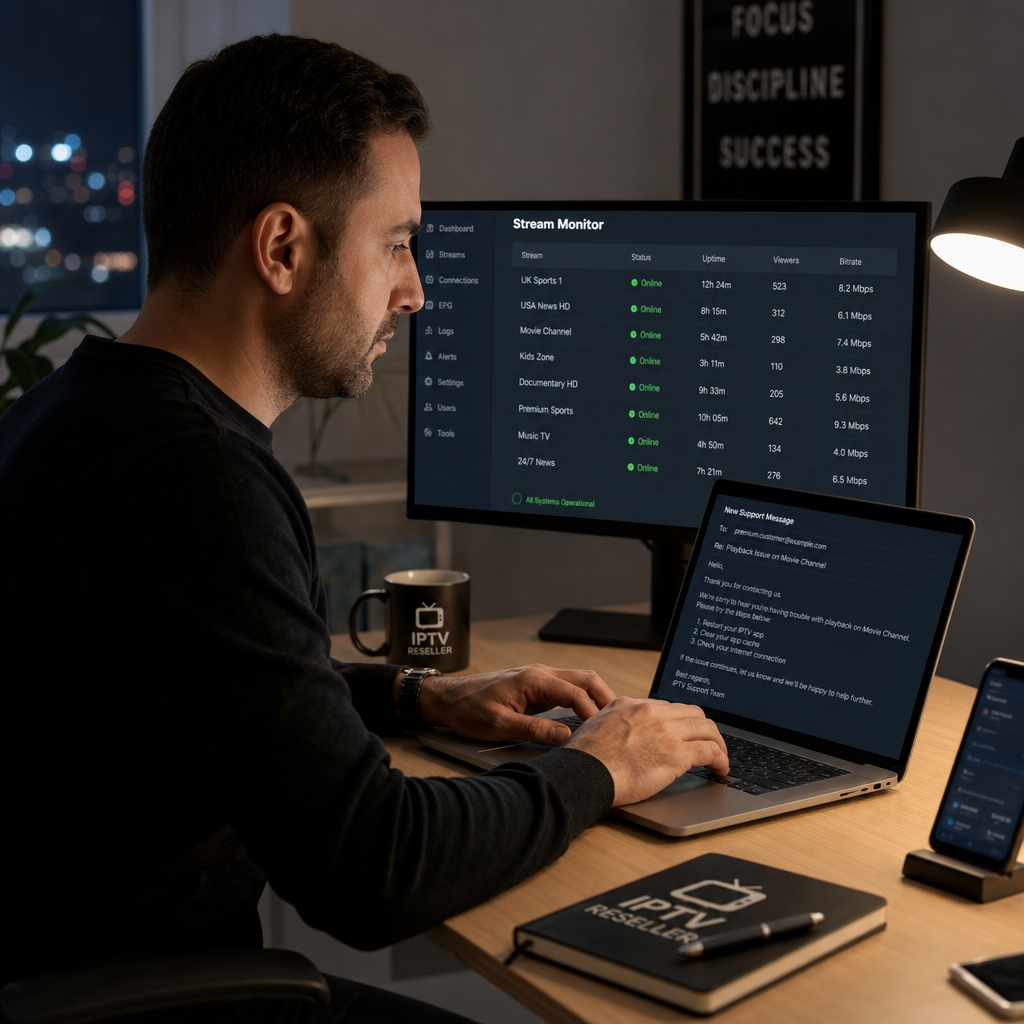
The best time to handle a buffering complaint is before it becomes one. Resellers who build proactive systems around stream quality monitoring and client education see dramatically lower churn rates than those who operate in pure reactive mode. Here is what a proactive system looks like in practice.
Onboarding Clients With the Right Expectations and Setup
When a new client activates their subscription, send them a short setup guide that covers the recommended player, how to configure buffer settings, and the importance of a wired connection for the best experience. Most buffering complaints from new clients happen in the first two weeks because they are using a suboptimal setup. A good onboarding message eliminates a significant portion of those early complaints before they happen.
Include a simple FAQ in that onboarding message that covers the most common issues: what to do if a channel freezes, how to restart the app, and how to contact you. Clients who know what to try first before contacting support resolve their own issues more often than you would expect, and they feel more confident in the service as a result.
Monitoring and Proactive Communication During Events
Major live events, whether sports finals, political broadcasts, or entertainment premieres, create predictable spikes in concurrent viewers. These are the moments when buffering complaints cluster. If you know a big match is happening on Saturday evening, send a brief message to your client base on Saturday afternoon with tips for getting the best stream quality: reboot the router, switch to wired if possible, close other apps on the device.
This kind of proactive communication does two things. It reduces the volume of complaints you receive during the event, and it signals to clients that you are thinking about their experience even when nothing is wrong. That builds loyalty in a way that reactive support never can.
Choosing a Provider That Supports Your Workflow
Your ability to handle buffering complaints efficiently depends heavily on the infrastructure behind your service. A provider with poor uptime, slow CDN response, or no technical support leaves you in an impossible position when clients escalate. Lukkystreams is built specifically for resellers who need reliable M3U delivery with real support behind it. When you need to escalate a server-side issue, you need a team that responds quickly and gives you accurate information you can pass on to your clients.
The M3U delivery model also simplifies your diagnostic workflow because there is no panel complexity to troubleshoot. If the stream URL is working, the issue is on the client side. If it is not, you have a clear escalation path. That simplicity translates directly into faster resolution times and fewer frustrated clients.
Ready to Build a More Reliable IPTV Reseller Business?
Whether you are scaling your client base or looking for a provider that supports your technical workflow, Lukkystreams gives you the infrastructure and support to handle buffering issues with confidence.
View Reseller Plans and find the right connection package for your client volume.
Start a Free Trial and test stream quality before committing.
Chat on WhatsApp for fast answers from the support team.
Contact Us to discuss your reseller setup in detail.
Final Thoughts
Buffering complaints are not going away. As long as IPTV runs over the public internet, network variability will create occasional stream interruptions. What separates successful resellers from those who constantly lose clients over buffering is not a magic fix. It is a structured diagnostic approach, fast and honest communication, proactive client education, and a provider infrastructure that gives you the tools to escalate when needed.
The resellers who retain clients through technical problems are the ones who make those clients feel like they are in capable hands even when the stream is not perfect. Build that reputation and buffering complaints become a manageable part of the business rather than the thing that keeps you up at night.
IPTV Buffering – FAQs
Why does IPTV buffering happen even with a fast internet connection?
A fast download speed does not guarantee smooth IPTV playback. Buffering can be caused by high packet loss, inconsistent jitter, Wi-Fi interference, or network congestion even when your speed test shows a strong result. IPTV streams require stable and consistent delivery, not just raw bandwidth.
What is the fastest fix for IPTV freezing on a client's device?
The fastest first step is rebooting the router and switching to a wired Ethernet connection if the client is on Wi-Fi. After that, increasing the buffer size in the media player settings and clearing the app cache are the most effective quick fixes for client-side IPTV freezing issues.
How can I tell if IPTV buffering is a server problem or a client problem?
If multiple clients are reporting buffering on the same channels at the same time, it is likely a server or CDN issue worth escalating to your provider. If only one client is affected, or if the issue affects all apps and services on their network, the problem is almost certainly on the client side.
How should I communicate with clients during an IPTV outage to prevent churn?
Respond quickly, be specific about what you know and what you are doing, and provide realistic timeframes. Clients tolerate outages much better when they receive honest and timely updates. Silence during an outage damages trust far more than the outage itself does.