
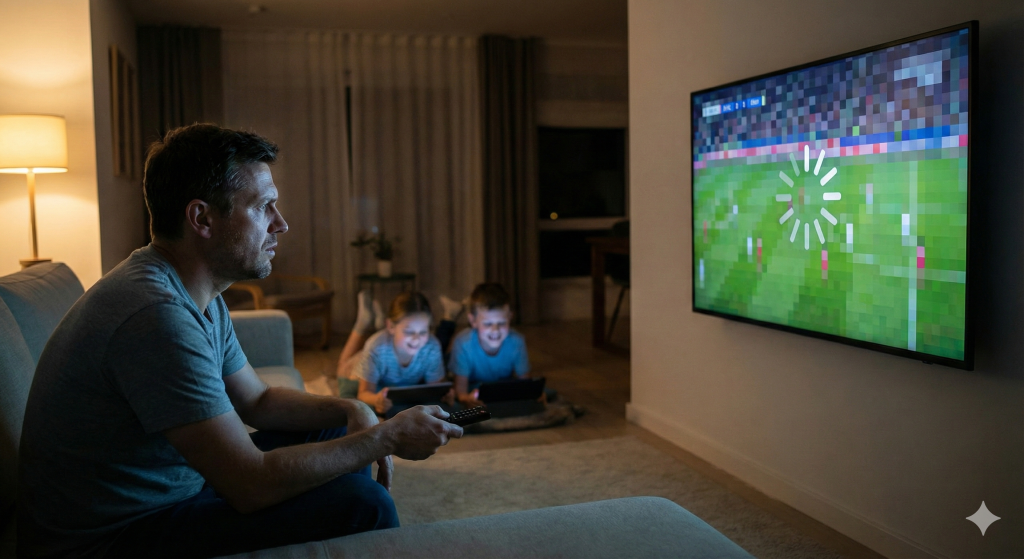
We’ve all been there. It’s Saturday night. You’ve settled in to watch the big game in the living room. Upstairs, the kids decide it’s the perfect time to stream their favorite cartoons. Suddenly, your screen freezes. The dreaded spinning wheel appears. You restart the router, check your speed, and curse the internet provider.
But the problem usually isn’t your internet speed; it’s your IPTV connection.
In the world of streaming, one of the most misunderstood concepts is the difference between a standard “1 Line” subscription and a true “Multi-Room” setup. For anyone managing a household—or for resellers trying to explain value to their customers—understanding this technical distinction is the key to a buffer-free life.
The “One Device” Rule: How a Single IPTV Connection Actually Works
To understand why your stream cuts out when two people watch at once, we have to look under the hood of how an IPTV connection functions.
Unlike traditional cable, where a signal is broadcast to your house and you can split the copper wire to as many TVs as you want, an IPTV connection is a direct conversation between the server and a specific device. This is known as a “unicast” session.
When you buy a standard “1 Connection” plan, you are purchasing a single “seat” on the server. When you open the app on your Smart TV, that seat is taken.
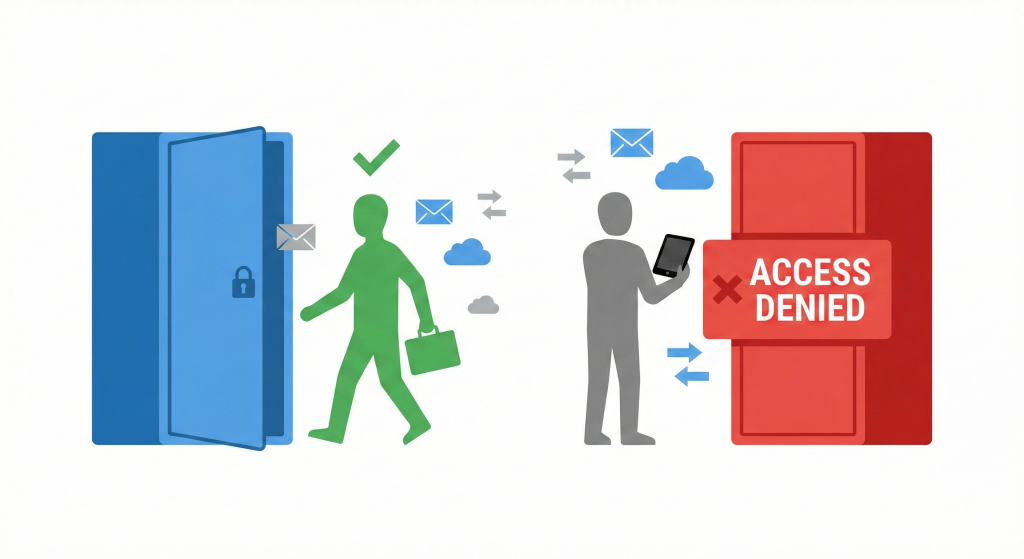
Here is the technical reality that most users miss: The server is constantly checking for active sessions.
If you share your login details with your brother in another city, or even try to use the same login on your iPad in the bedroom while the TV is on downstairs, the server sees two requests coming from one “seat.”
Most premium providers use an automated security protocol to handle this. It usually results in one of two outcomes:
- The Kick-Off: The second device kicks the first one off. You get stuck in a loop where Device A works, then Device B works, but never both.
- The IP Lock: The server detects an IPTV connection request from a different IP address (if you are sharing outside the home) or a second distinct MAC address and automatically bans the account for suspicious activity.
The “Multi-Room” Difference
This is where the “Multi-Room” or “Family Plan” model comes in. A multi-connection plan isn’t just about permission; it’s about server resource allocation.
When you upgrade to a multi-room setup, the provider allocates multiple “seats” to your username. This allows for simultaneous data streams.
- 1 Connection: 1 Active Stream. (Good for a single user/bachelor pad).
- 2-4 Connections: Multiple Active Streams. (Essential for families/roommates).
For resellers, this is the “Golden Upsell.” You aren’t just selling more channels; you are selling peace of mind. You are selling the ability for Dad to watch football while Mom watches a movie and the kids watch anime, all on the same IPTV connection account, without anyone screaming about buffering.
The “Splitting” Myth: Why You Can’t Cheat the System
A common question we see in support tickets at Lukkystreams is: “Can’t I just use a splitter or cast my screen?”
Technically, yes, you can cast a screen. But that is mirroring, not independent viewing. You are forced to watch the same channel on both screens.
True independence requires a distinct IPTV connection for each device. Each channel requires its own bandwidth and its own handshake with the host server.
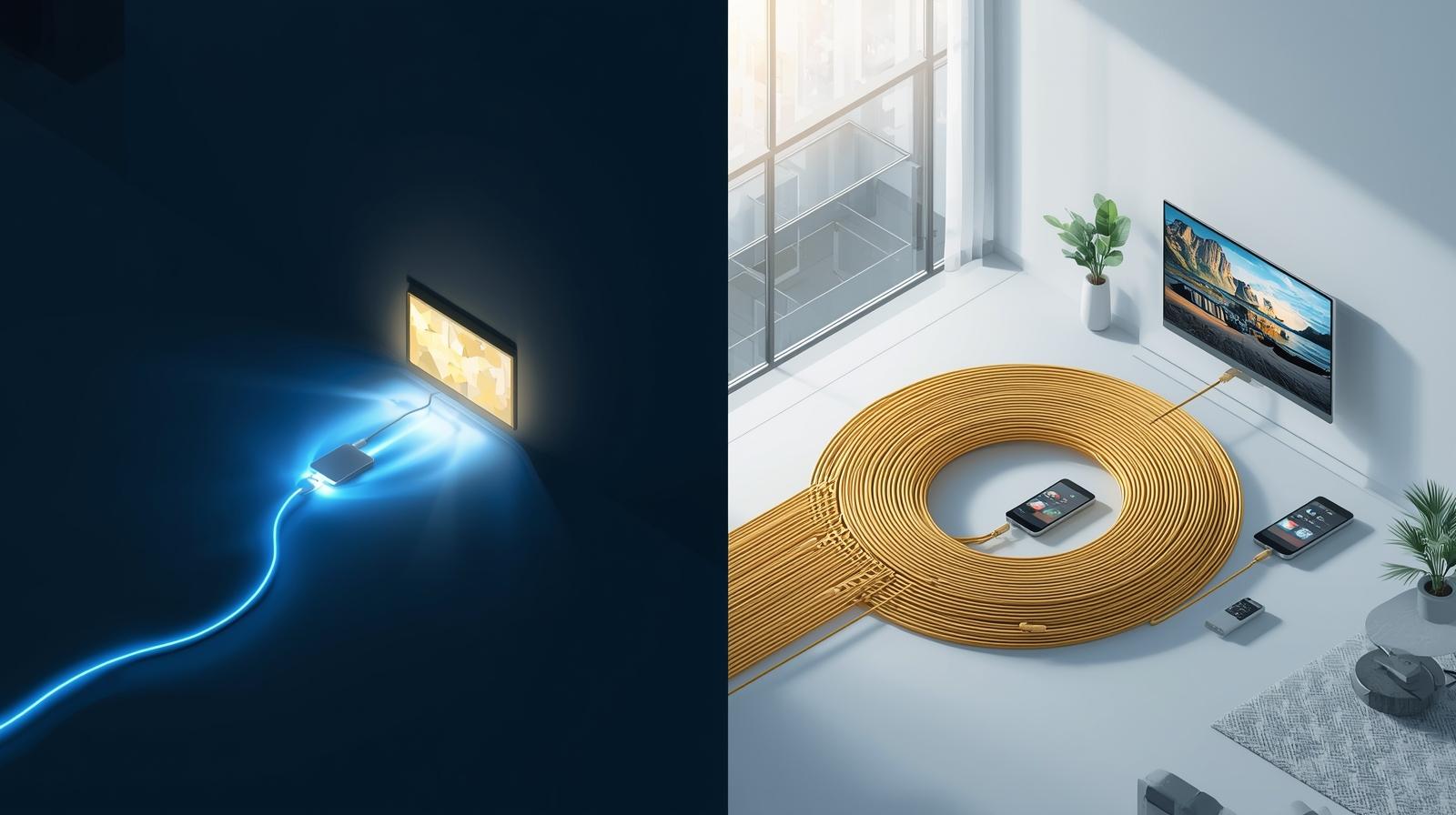
Think of it like a water pipe. If you have a narrow pipe (1 connection), you get good pressure at one faucet. If you open three faucets at once, the pressure drops to a trickle. A multi-connection plan is like paying for a wider pipe that can handle the flow of multiple faucets running simultaneously.
Case Study: The “Buffering Bedroom” Scenario
Let’s look at a real-world example of how this plays out.
The Situation: Mark, a reseller, sold a standard single IPTV connection to the Johnson family. They have three TVs: the living room, the master bedroom, and the basement.
The Problem: For the first week, everything was fine. Then, on a Friday night, the stream started looping and freezing every 10 seconds. The Johnsons blamed Mark’s service quality. They thought the server was bad.
The Diagnosis: After checking the panel logs, Mark saw that the Johnsons were trying to pull three distinct streams at the exact same time. The server’s anti-abuse system was frantically trying to limit them to the one IPTV connection they paid for, causing the “freeze-frame” effect as it accepted and rejected data packets in rapid succession.
The Solution: Mark explained the iptv multi-device connection explanation to Mr. Johnson. He upgraded them to a 3-connection family plan.
The Result: The buffering vanished instantly. The server allowed all three requests. The Johnsons were happy, and Mark secured a higher monthly recurring revenue.
Why Resellers Should Push “Family Plans”
If you are in the business of selling IPTV, selling family iptv plans should be your priority. Here is why:
- Retention is Higher: Households with a multi-connection setup rarely churn. Once the service is integrated into every room of the house, it becomes a utility they can’t live without.
- Fewer Support Tickets: A massive percentage of “buffering” complaints are actually users trying to run multiple devices on a single IPTV connection. By selling multi-room upfront, you eliminate these headaches before they happen.
- Better Margins: While the cost to the user is higher, the perceived value is massive. The cost-per-screen is often lower than buying separate accounts, making it an easy financial win for the customer and a profit win for you.
Best Practices for Your IPTV Connection
Whether you are a viewer or a seller, following these rules will ensure your IPTV connection remains stable:
- Hardwire When Possible: Even with a multi-connection plan, Wi-Fi interference can ruin a stream. An Ethernet cable is always king.
- Check Your Limits: Know exactly how many concurrent streams your plan supports. If you bought a 2-connection plan, don’t try to add a tablet as a third device “just to check.”
- Don’t Share Outside the Home: Most multi-room connections are IP Locked, meaning they must be used under the same internet household (IP address). Sharing your IPTV connection with a friend down the street will likely trigger a ban, even if you have unused connections available.
Reliability Matters: The Lukkystreams Advantage
Not all connections are created equal. A 5-connection plan from a budget provider is useless if their servers can’t handle the load.
At Lukkystreams, our IPTV connection infrastructure is built for high-capacity restreaming. We understand that when you have a multi-room setup, you are pulling significantly more data. Our load balancers are designed to ensure that the second and third stream on an account are just as stable as the first.

When you choose a Premium Restream Service, you aren’t just paying for access; you are paying for the bandwidth stability that makes a multi-device home run smoothly.
Conclusion
The difference between a frustrating viewing experience and a flawless one often comes down to that simple metric: the number of active connections. Don’t let a single line limit your household’s entertainment.
A stable IPTV connection is the backbone of modern entertainment. Whether you are a reseller looking to reduce complaints or a user tired of fighting for the remote, upgrading to a multi-room model is the smartest move you can make.
Ready to upgrade your viewing experience or start offering robust family plans to your customers?
Take the next step with Lukkystreams:
- Get a Free Trial: Test our stability yourself. Click here for a Free Trial
- View Our Plans: See our competitive pricing for single and multi-line options. Check Plans
- Contact Us: Have questions about restreaming? Use our Contact Form
- Chat with us on WhatsApp: https://wa.me/+4746724304